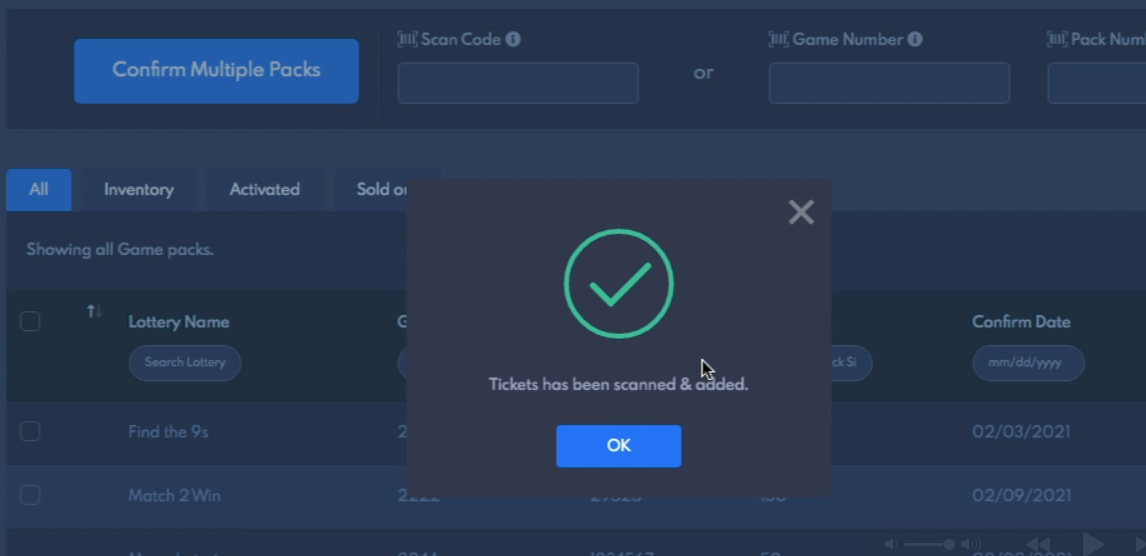

How to confirm the pack?
Every new lottery pack must be confirmed and added to the inventory for you to activate and start selling.
On the dashboard press the “Confirm button”
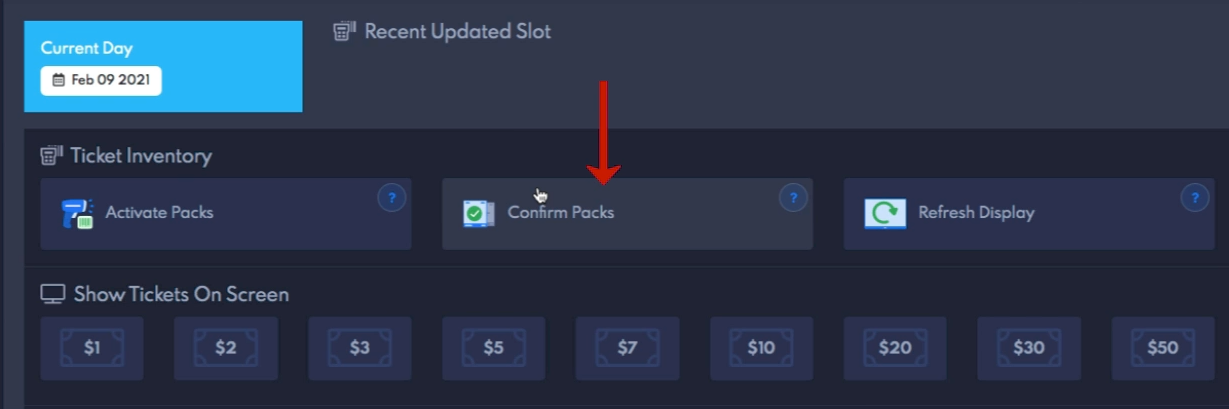
open up the confirm pop-up.
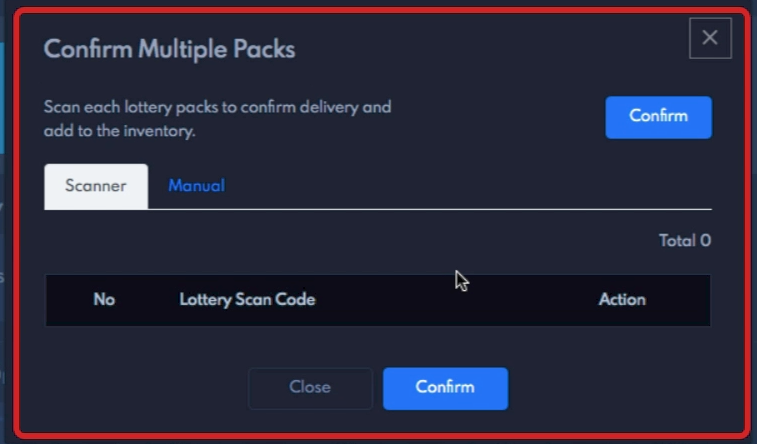
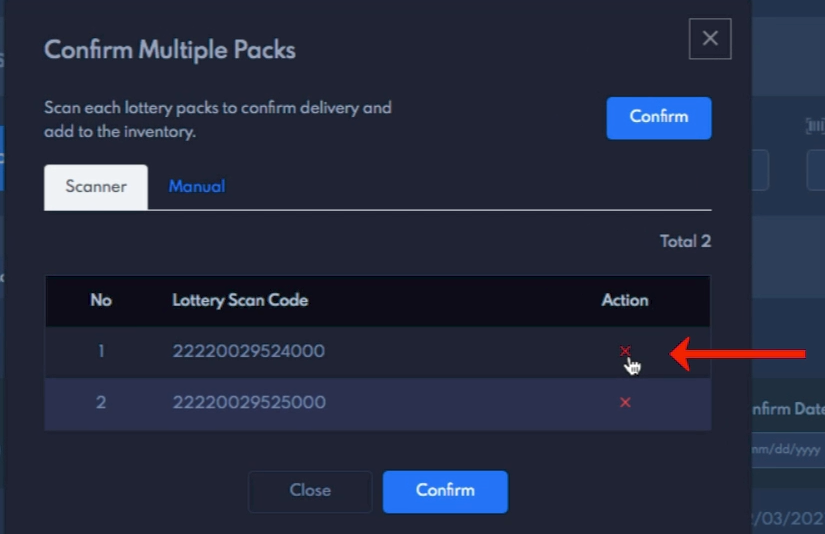
we recommend you to use the scanner mode as this will automatically capture the barcode from your scanner and list it below. Here scan each lottery pack, making sure the total matches the number of packs scanned, Any invalid barcodes will give an error and will not be accepted.
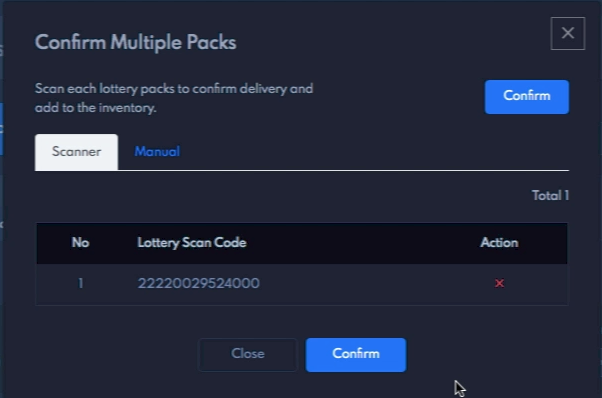
If after you have scanned and would like to remove it, just press the “X“ in the Action column to remove the pack from the confirmed list.
Click the confirm button after you are done scanning all the packs.
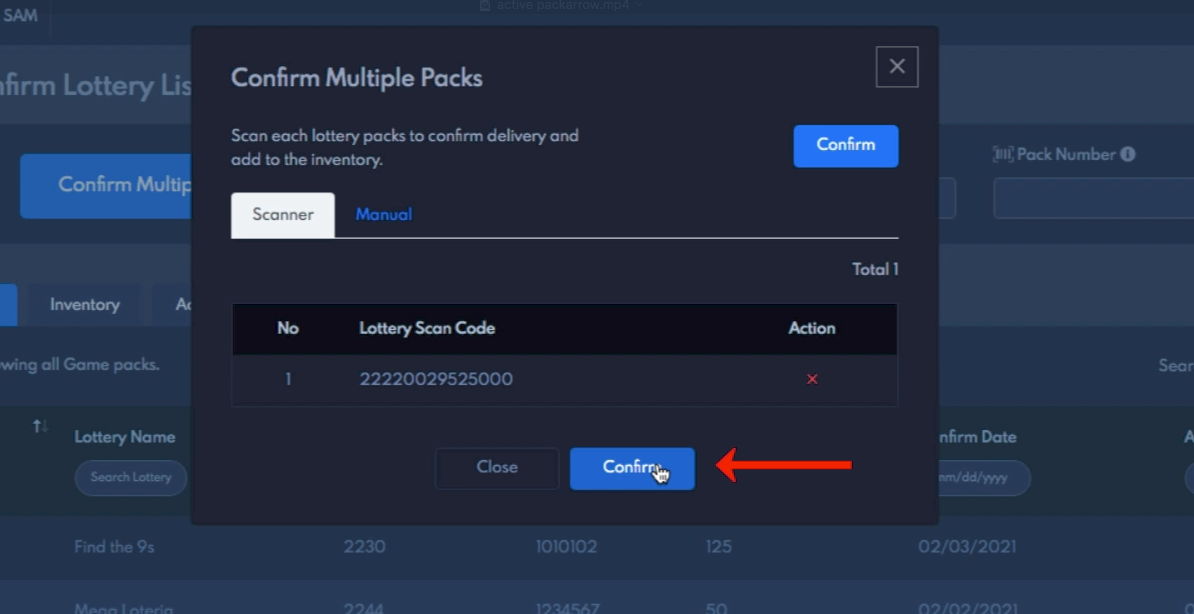
After successful confirmation, your lottery packs will be added to the inventory.