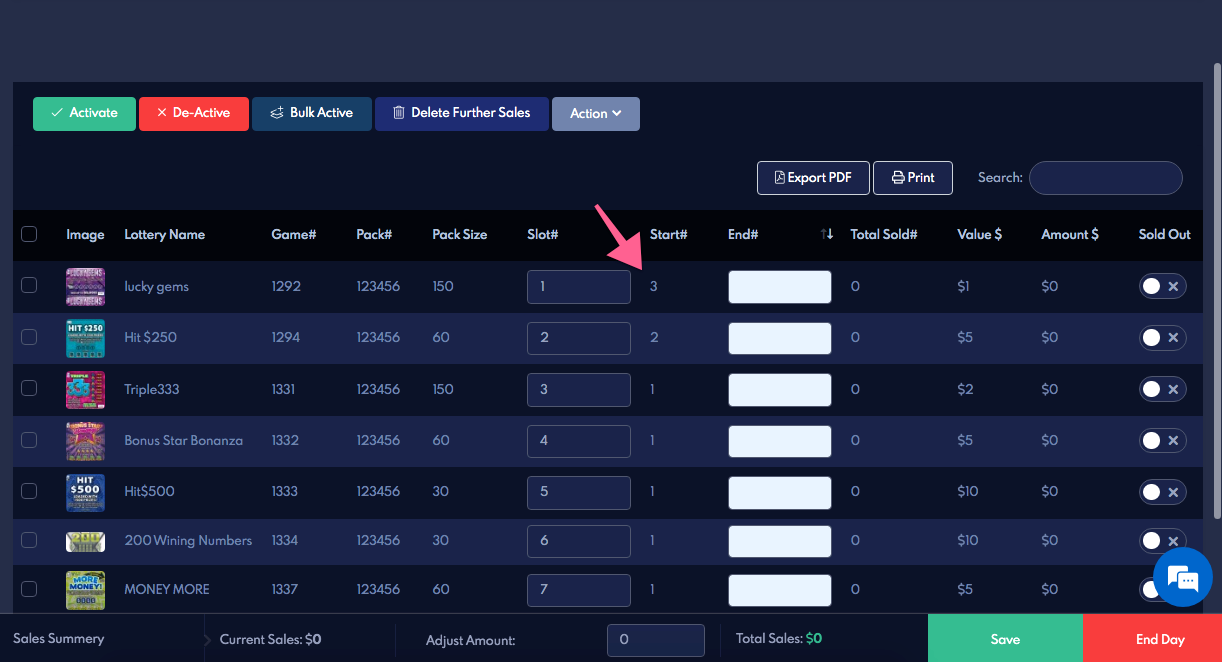

How to change the previous day end numbers?
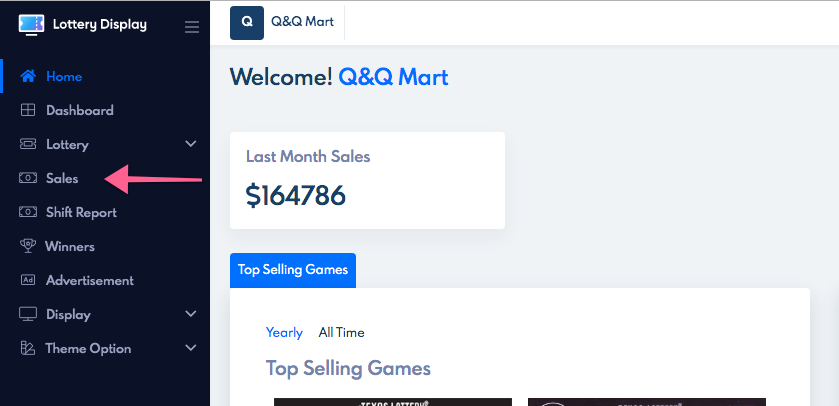
Navigate to the sales tab from the navigation menu.
open the previous day by clicking on that day.

update the incorrect end numbers, click save (green button)
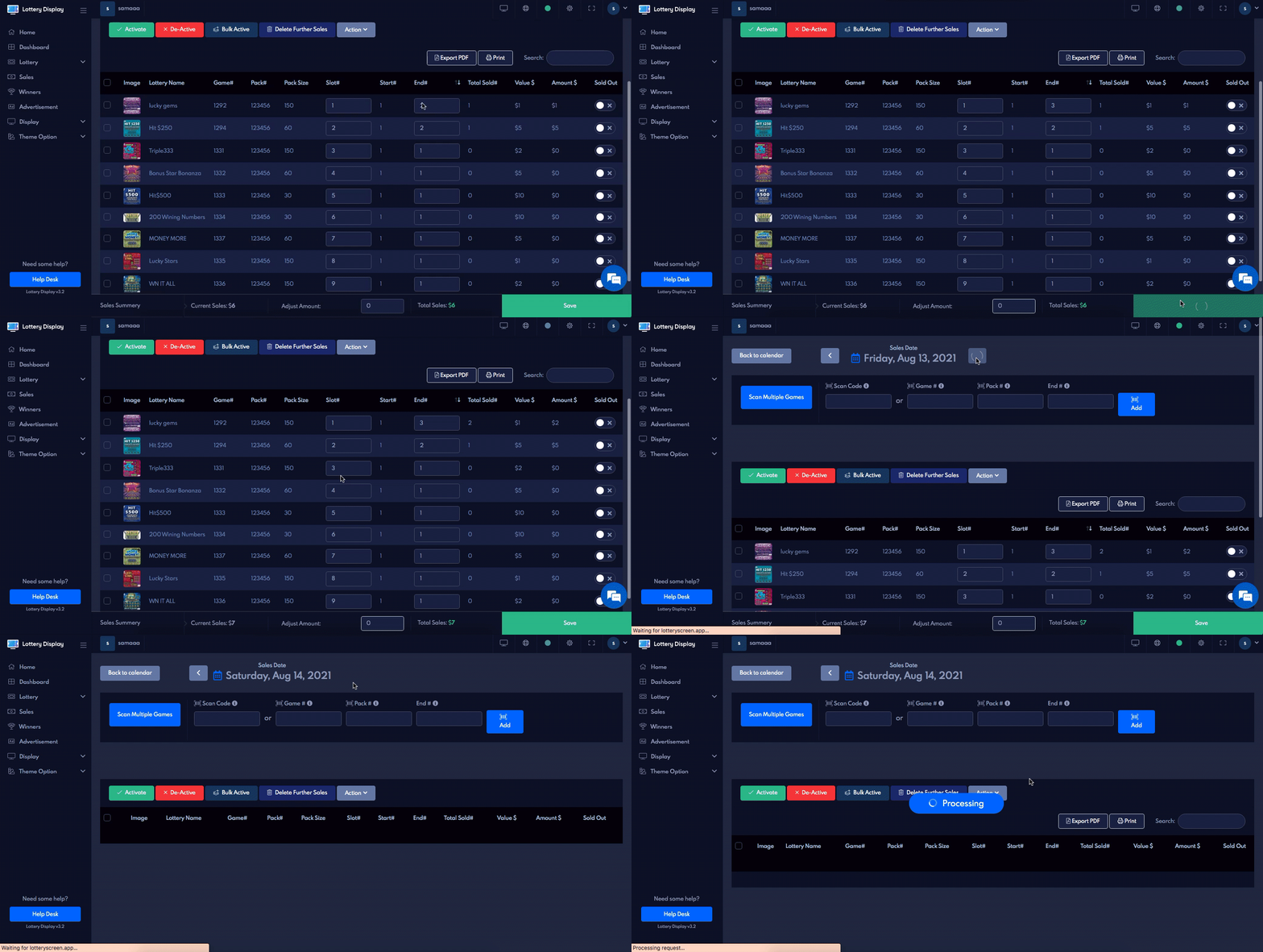
This will update the previous day’s end numbers and the current day’s start number.