

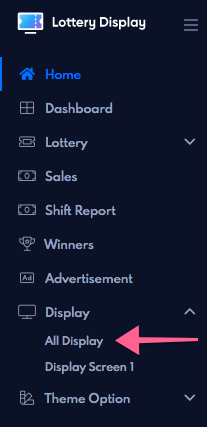
Navigate the display tab from the navigation menu
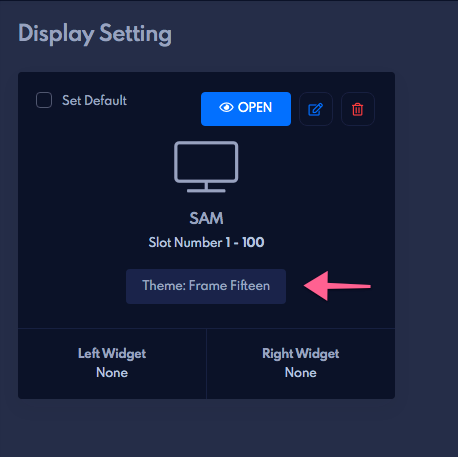
See on your display which theme is activated on the display and remember your theme name.
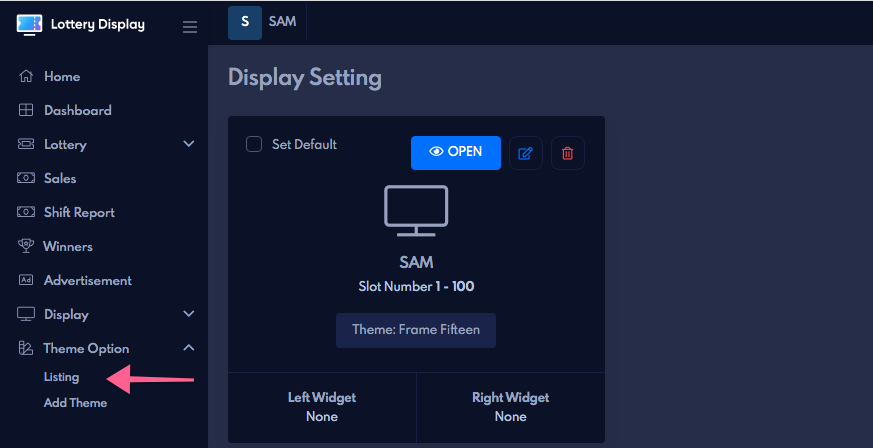
Then go to the theme option from the navigation menu click on it under the theme options click on the listing tab
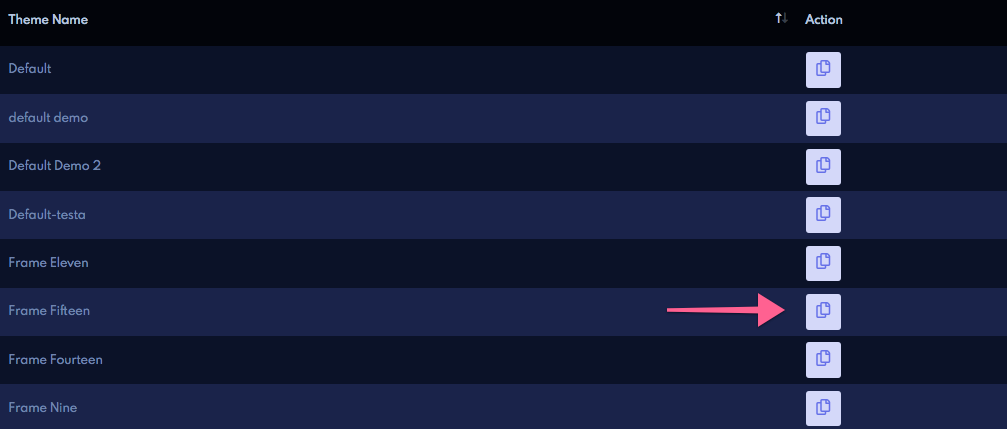
see your theme which you activated on the display tab and click on the copy .it will lead you to the theme edit page
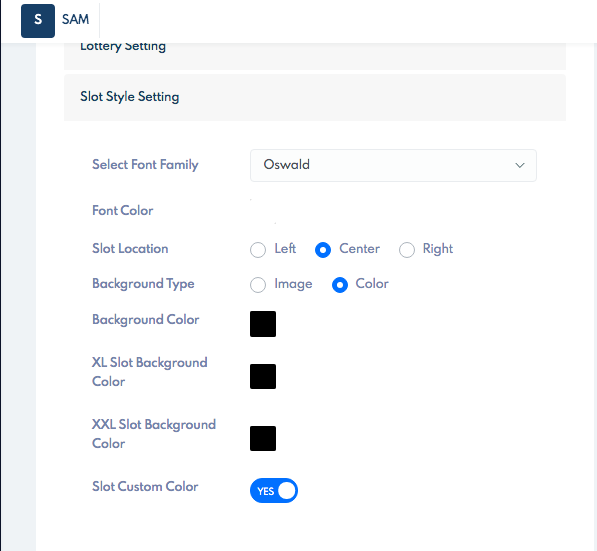
on this page, you will see the slot style setting
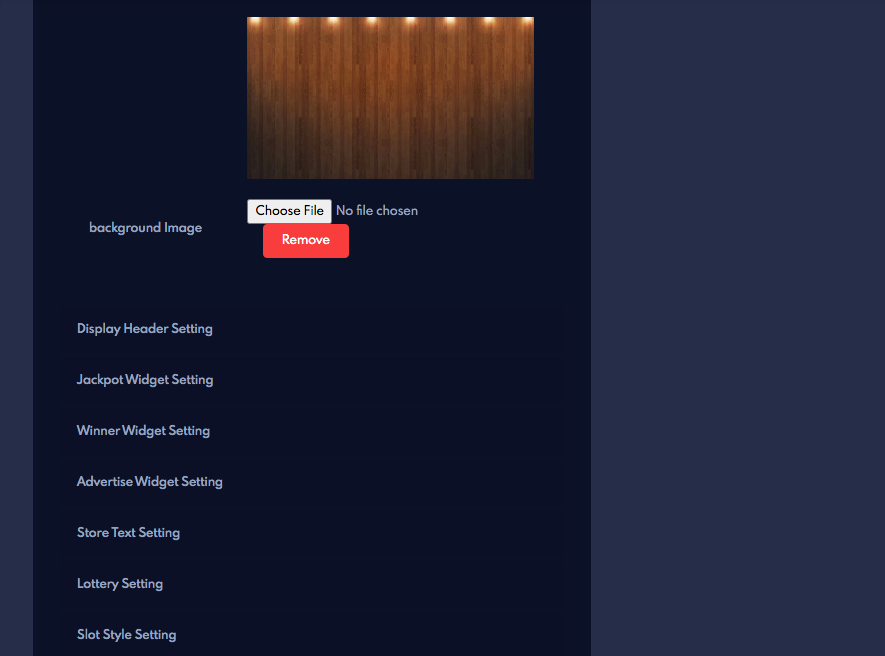
click on it select the color which you want
after that Entire your theme’s unique name and click on the Save button.
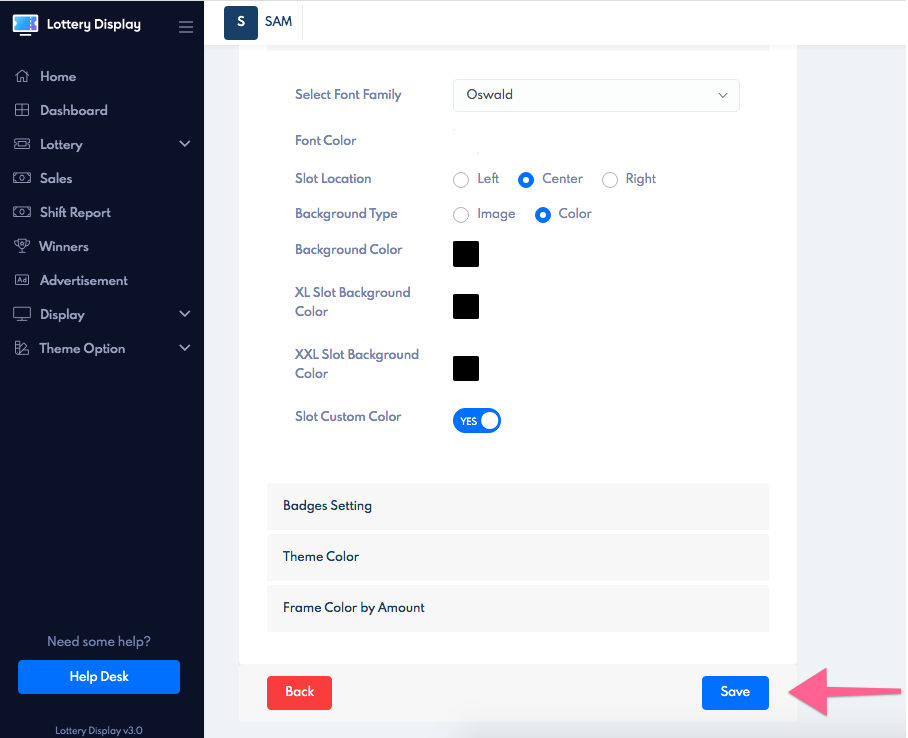
your slot color will be changed.