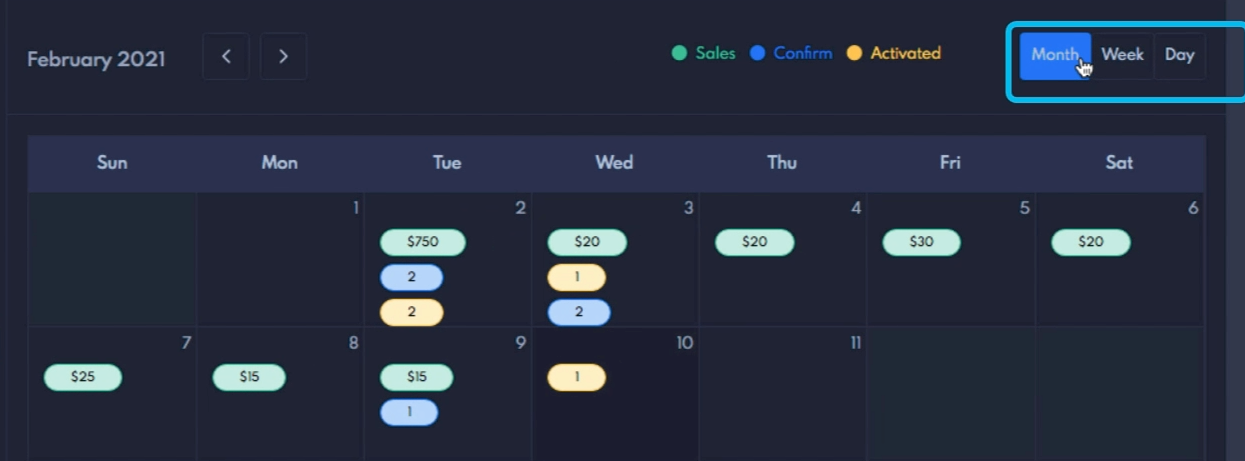

How to Check daily, weekly & monthly sales?
You can check your daily, weekly & monthly sales easily it’s at your like fingertips.
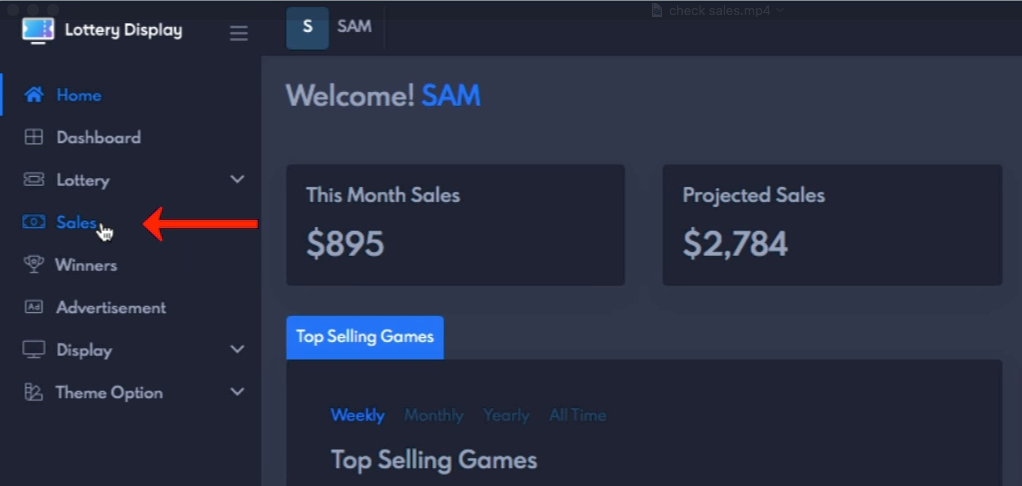
You can check your daily, weekly & monthly sales by going to the Sales from the navigation menu.
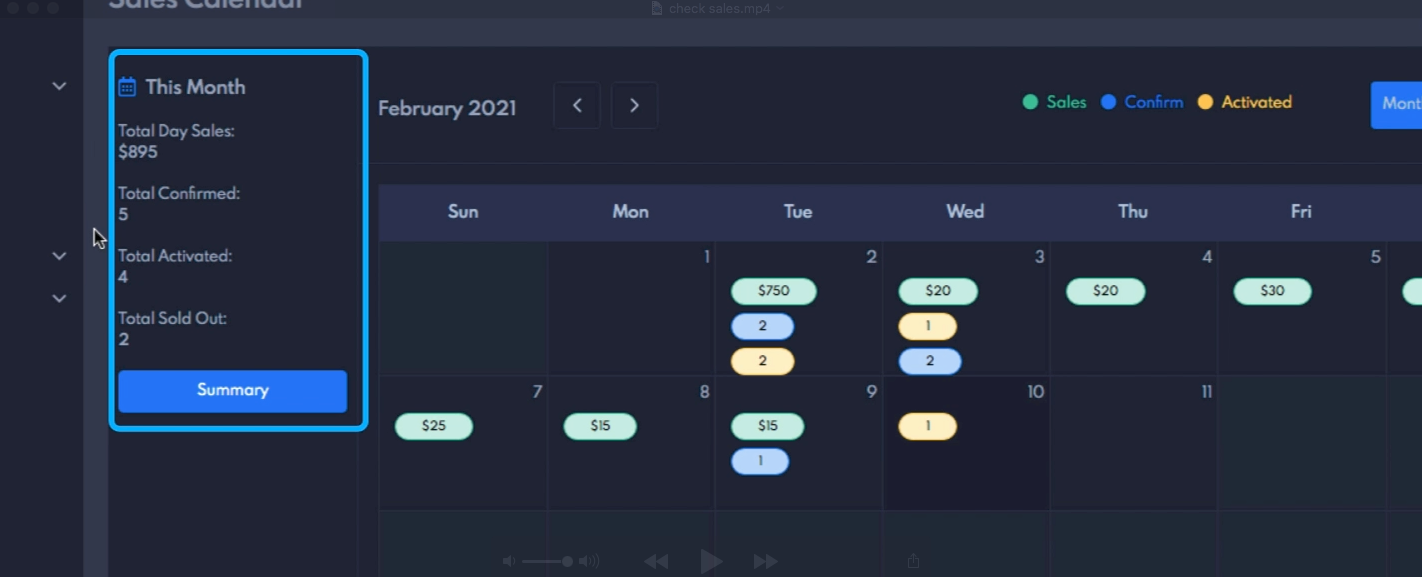
it will take you to the sales calendar, On the sales calendar page, you will see a section with the total sales for the selected period.
You change the reporting period with the buttons labeled daily, weekly, and monthly.